







![Apple Watch SE (2nd Gen) [GPS 40mm] Smartwatch with Starlight Aluminum Case with Starlight Sport Band S/M. Fitness & Sleep Tracker, Crash Detection, Heart Rate Monitor](https://www.tech-bit.com/wp-content/uploads/2024/06/applewatchse2ndgengps40mmsmartwatchwithstarlightaluminumcase-360x180.jpg)


![SAMSUNG Galaxy Buds Pro 2 [2022] (SM-R510) - (Gray)](https://www.tech-bit.com/wp-content/uploads/2023/10/samsung-galaxy-buds-pro-2-2022-sm-r510-gray-360x180.jpg)















![Apple iPhone 15 Pro (128 GB) - Black Titanium | [Locked] | Boost Infinite plan required starting at $60/mo. | Unlimited Wireless | No trade-in needed to start | Get the latest iPhone every year](https://www.tech-bit.com/wp-content/uploads/2023/10/apple-iphone-15-pro-128-gb-black-titanium-locked-boost-infinite-360x180.jpg)
![Apple Watch Series 9 [GPS 41mm] Smartwatch with Pink Aluminum Case with Pink Sport Band M/L. Fitness Tracker, Blood Oxygen & ECG Apps, Always-On Retina Display](https://www.tech-bit.com/wp-content/uploads/2023/10/apple-watch-series-9-gps-41mm-smartwatch-with-pink-aluminum-case-with-pink-360x180.jpg)





























Siri in 2026: a Complete Guide to Apple’s Ai Assistant
Apple’s Siri has evolved dramatically since its debut in 2011, transforming from a novel voice assistant into an indispensable AI-powered tool integrated across the Apple ecosystem. As we navigate through 2026, Siri continues to redefine how millions interact with their devices, manage daily tasks, and access information instantly through natural conversation.
This comprehensive guide explores everything you need to know about Siri in 2026, from its cutting-edge features and practical applications to privacy considerations and tips for maximizing its potential in your daily life.
What Is Siri and How Does It Work
Siri is Apple’s intelligent virtual assistant that uses voice recognition, natural language processing, and machine learning to understand and respond to user commands. Available across iPhone, iPad, Mac, Apple Watch, HomePod, and even CarPlay, Siri serves as a unified interface for controlling devices, accessing information, and automating tasks through simple voice commands or typed queries.
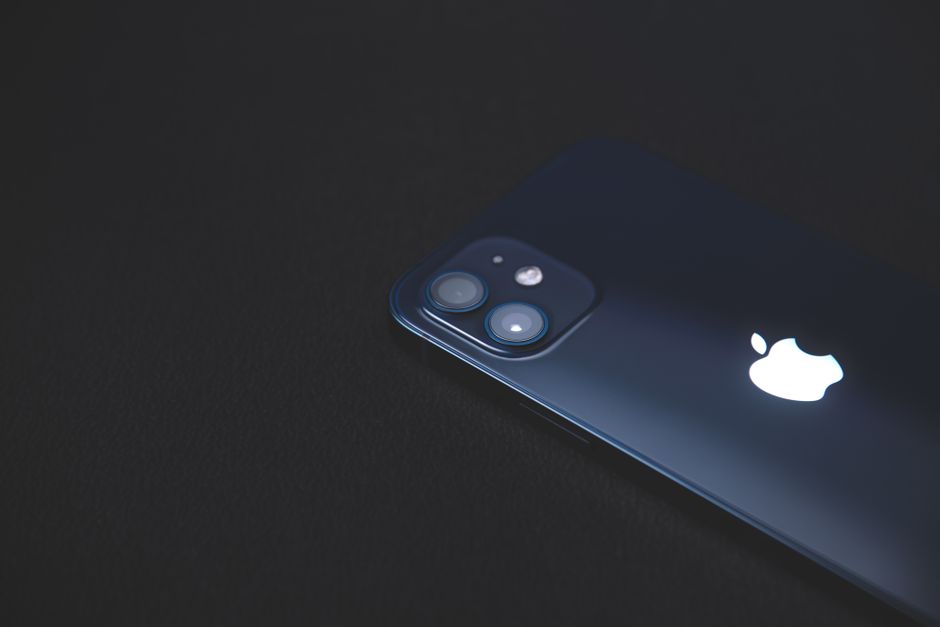
Behind the scenes, Siri leverages advanced neural networks and on-device processing to interpret your requests. When you say “Hey Siri” or press the activation button, your device captures your voice, converts it to digital data, and analyzes the intent behind your words. In 2026, Siri’s contextual understanding has reached unprecedented levels, allowing it to handle complex, multi-step requests and maintain conversational context across multiple interactions.
The assistant processes most requests directly on your device when possible, ensuring faster responses and enhanced privacy. For queries requiring internet resources—like weather updates, web searches, or real-time information—Siri connects to Apple’s servers while employing sophisticated privacy protections that separate your identity from your requests.
Key Features and Capabilities in 2026
Siri’s feature set has expanded considerably, making it more versatile than ever. The assistant now handles an impressive array of tasks including sending messages, making calls, setting reminders, controlling smart home devices, providing navigation, answering questions, playing music, and much more.

Advanced conversational abilities allow Siri to understand follow-up questions without repeating context. You can ask “What’s the weather today?” followed by “How about tomorrow?” and Siri maintains the conversational thread naturally. This contextual awareness extends across apps, allowing seamless transitions between different tasks.
Personalization features have become remarkably sophisticated. Siri learns your routines, preferences, and habits to offer proactive suggestions. It might remind you to leave for appointments based on traffic conditions, suggest apps you typically use at certain times, or alert you to important notifications based on your usage patterns.
App integration reaches across the entire iOS ecosystem. Third-party apps can now expose more functionality to Siri through enhanced SiriKit APIs, allowing you to control virtually any aspect of supported applications through voice commands. From ordering food to managing finances, Siri serves as a universal interface.
Multilingual capabilities enable fluid switching between languages mid-conversation, making Siri invaluable for bilingual users and international travelers. The assistant can translate phrases in real-time and help you communicate across language barriers effortlessly.
Practical Applications for Daily Life
The true value of Siri emerges in everyday situations where hands-free convenience or quick access to information proves essential. In the morning, you can ask Siri to read your schedule, check the weather, and start your coffee maker—all while getting ready. During your commute, Siri provides traffic updates, reads incoming messages, and controls your music without requiring you to touch your phone.
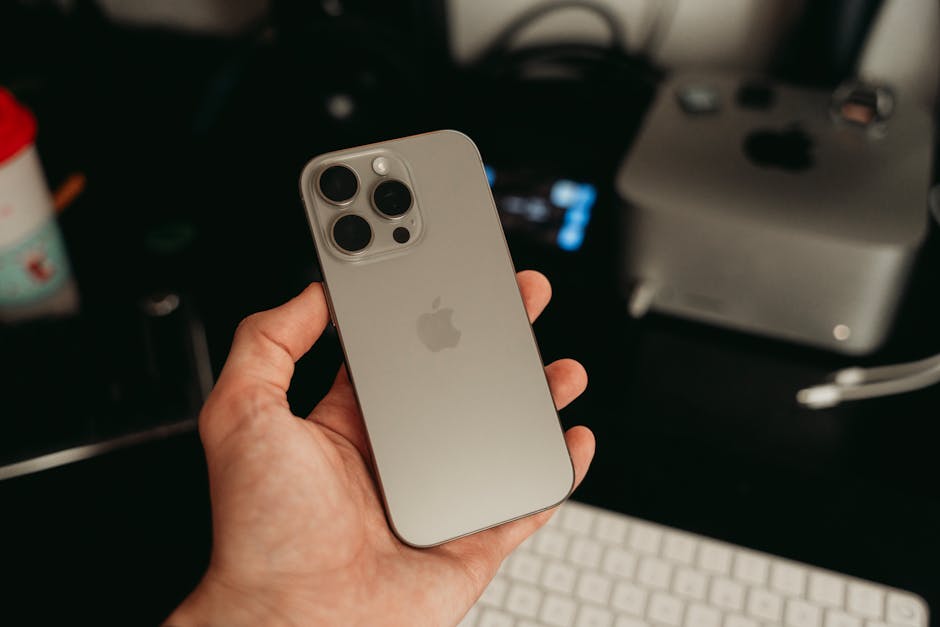
For productivity, Siri excels at managing reminders, setting timers, creating calendar events, and sending quick messages. You can dictate lengthy emails, create shopping lists, or take notes entirely through voice commands. The assistant’s ability to search your photos, files, and messages means finding information becomes as simple as asking a question.
Health and fitness integration represents one of Siri’s most valuable applications. You can ask Siri to start workouts, log activities, check your daily stats, and even get guidance on staying active. While specific workout guidance should come from certified sources like the American College of Sports Medicine, Siri helps you track progress and maintain consistency with your fitness goals. For broader guidance on physical activity, resources like CDC physical activity guidelines and NHS exercise guidance provide authoritative recommendations that complement Siri’s tracking capabilities.
In the smart home, Siri serves as your primary control interface. Adjust lighting, change thermostat settings, lock doors, view security cameras, and control entertainment systems through simple voice commands. Creating scenes and automations allows you to trigger complex sequences with phrases like “Good morning” or “Movie time.”
Privacy and Security Considerations
Privacy remains a cornerstone of Siri’s design philosophy. Unlike some competing assistants, Siri employs several protective measures to safeguard your personal information. On-device processing means many requests never leave your iPhone or iPad, eliminating the need to transmit sensitive data to remote servers.
When server communication is necessary, Apple uses a random identifier rather than your Apple ID, preventing the company from building a profile linked to your identity. Audio recordings are not stored by default, and you have complete control over whether to share audio samples for improvement purposes. You can review and delete your Siri history at any time through your device settings.
For maximum privacy, you can disable “Hey Siri” activation and opt for button-only triggering. You can also restrict Siri access when your device is locked, preventing unauthorized users from accessing personal information through voice commands. Understanding and configuring these settings ensures Siri works for you while respecting your privacy boundaries.
Tips for Getting the Most from Siri
Maximizing Siri’s effectiveness requires understanding how to communicate naturally while being specific enough for accurate results. Speak clearly but naturally—Siri is designed to understand conversational language rather than robotic commands. Phrase requests as you would to another person, and don’t hesitate to ask follow-up questions.
Learn Siri shortcuts to create custom voice commands for complex actions. You can build multi-step automations triggered by simple phrases, dramatically expanding Siri’s utility for your specific needs. The Shortcuts app provides powerful capabilities for users willing to invest a few minutes in setup.
Teach Siri pronunciations for names and uncommon words to improve accuracy. When Siri mispronounces a contact name, you can correct it by saying “That’s not how you pronounce [name]” and providing the correct pronunciation.
Use contextual commands by referencing previous interactions. Phrases like “remind me about this” while viewing an email or “navigate here” while looking at a location in Maps leverage context to reduce the verbosity required for commands.
Explore less-known features like asking Siri to flip a coin, roll dice, identify songs playing nearby, or set multiple timers with labels. Many powerful features remain underutilized simply because users don’t know they exist.
The Future of Siri and Voice Assistants
As we look beyond 2026, Siri’s trajectory points toward even deeper integration, more natural interactions, and enhanced intelligence. Advances in AI and machine learning promise assistants that truly understand context, emotion, and nuance at human levels. The boundary between device interaction and natural conversation continues to blur.
Expect Siri to become more proactive, anticipating needs before you articulate them and offering genuinely helpful suggestions based on comprehensive understanding of your life patterns. Integration with augmented reality devices will open new interaction paradigms, while improved semantic understanding will make voice the primary interface for complex tasks currently requiring manual input.
The evolution of privacy-preserving AI techniques will allow Siri to become more personalized without compromising user privacy—a delicate balance that Apple continues to prioritize. As voice assistants mature, they’ll transition from tools that respond to commands into true digital companions that enhance human capabilities without intrusion.
Conclusion
Siri has matured into a sophisticated, privacy-focused assistant that genuinely enhances daily life for millions of Apple users. Whether you’re managing schedules, controlling your smart home, staying informed, or simply need hands-free convenience, Siri offers powerful capabilities accessible through natural conversation. By understanding its features, respecting its privacy protections, and investing time to learn its full potential, you can transform Siri from a occasional novelty into an indispensable daily companion. As voice interaction technology continues advancing, those who embrace assistants like Siri today position themselves at the forefront of how we’ll interact with technology tomorrow.