





![Apple Watch SE (2nd Gen) [GPS 40mm] Smartwatch with Starlight Aluminum Case with Starlight Sport Band S/M. Fitness & Sleep Tracker, Crash Detection, Heart Rate Monitor](https://www.tech-bit.com/wp-content/uploads/2024/06/applewatchse2ndgengps40mmsmartwatchwithstarlightaluminumcase-360x180.jpg)


![SAMSUNG Galaxy Buds Pro 2 [2022] (SM-R510) - (Gray)](https://www.tech-bit.com/wp-content/uploads/2023/10/samsung-galaxy-buds-pro-2-2022-sm-r510-gray-360x180.jpg)













![Apple iPhone 15 Pro (128 GB) - Black Titanium | [Locked] | Boost Infinite plan required starting at $60/mo. | Unlimited Wireless | No trade-in needed to start | Get the latest iPhone every year](https://www.tech-bit.com/wp-content/uploads/2023/10/apple-iphone-15-pro-128-gb-black-titanium-locked-boost-infinite-360x180.jpg)
![Apple Watch Series 9 [GPS 41mm] Smartwatch with Pink Aluminum Case with Pink Sport Band M/L. Fitness Tracker, Blood Oxygen & ECG Apps, Always-On Retina Display](https://www.tech-bit.com/wp-content/uploads/2023/10/apple-watch-series-9-gps-41mm-smartwatch-with-pink-aluminum-case-with-pink-360x180.jpg)























Snes Raspberry Pi Gaming Setup Guide 2026
The Super Nintendo Entertainment System remains one of the most beloved gaming consoles in history, and in 2026, enthusiasts continue to find innovative ways to experience classic SNES games. One of the most popular methods involves using a Raspberry Pi to create a versatile retro gaming station. This comprehensive guide explores how to build your own SNES emulation system using Raspberry Pi, the hardware you’ll need, software options, and tips for getting the most authentic gaming experience possible.
Understanding Raspberry Pi and SNES Emulation
The Raspberry Pi is a small, affordable single-board computer that has become the go-to platform for retro gaming enthusiasts. Its compact size, low power consumption, and surprising processing capabilities make it perfect for running SNES emulators. The latest Raspberry Pi models in 2026 offer more than enough power to run SNES games smoothly while maintaining accuracy to the original hardware.
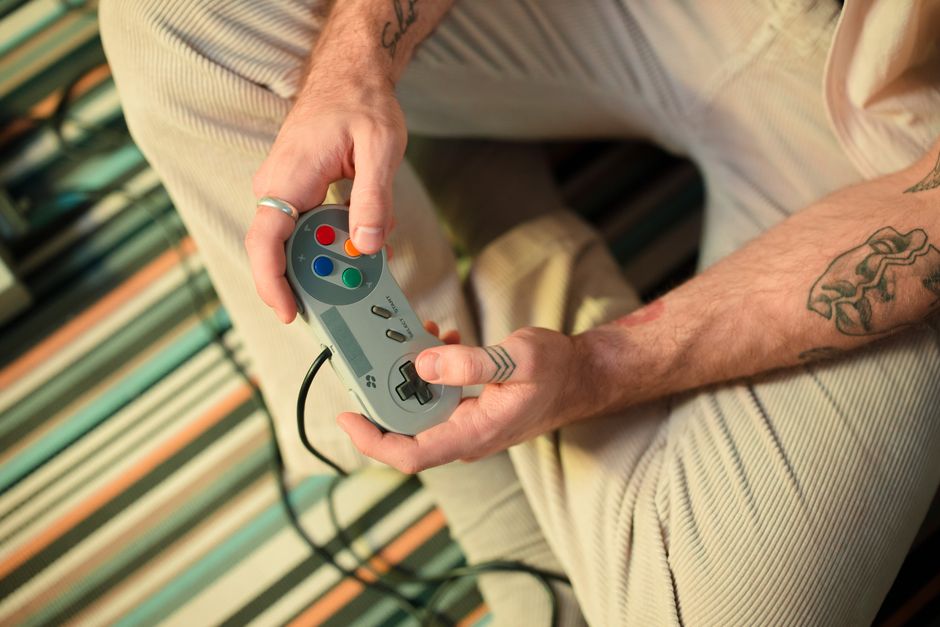
SNES emulation on Raspberry Pi works by using specialized software that replicates the behavior of the original Super Nintendo hardware. This allows you to play classic titles without needing the original console, though you should own the original games to legally play ROM files. The emulation quality has reached near-perfect levels, with accurate sound reproduction, proper frame timing, and minimal input lag when configured correctly.
The Raspberry Pi’s versatility means you can build anything from a simple plug-and-play console to an elaborate arcade cabinet setup. The community support surrounding Raspberry Pi retro gaming is extensive, with countless tutorials, pre-configured software images, and troubleshooting resources available online.
Essential Hardware Components
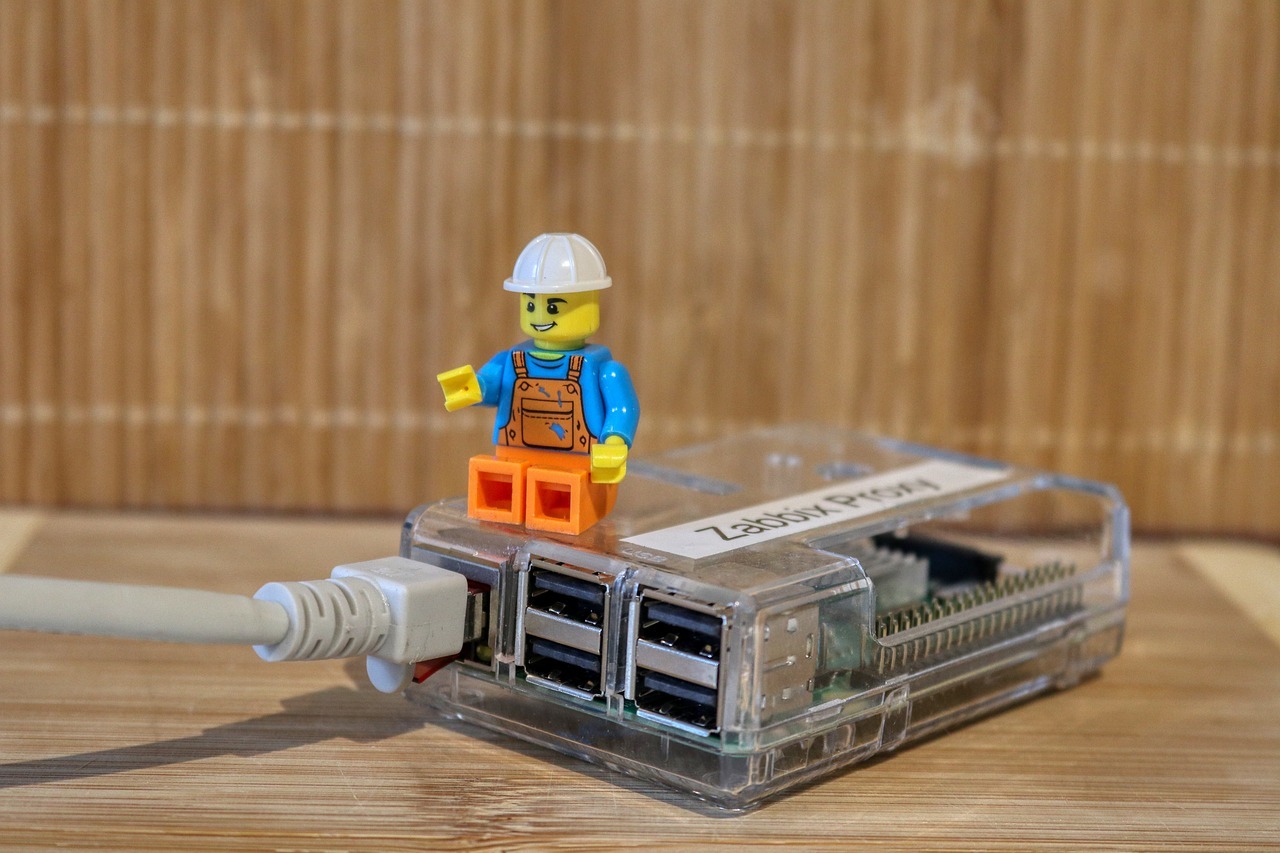
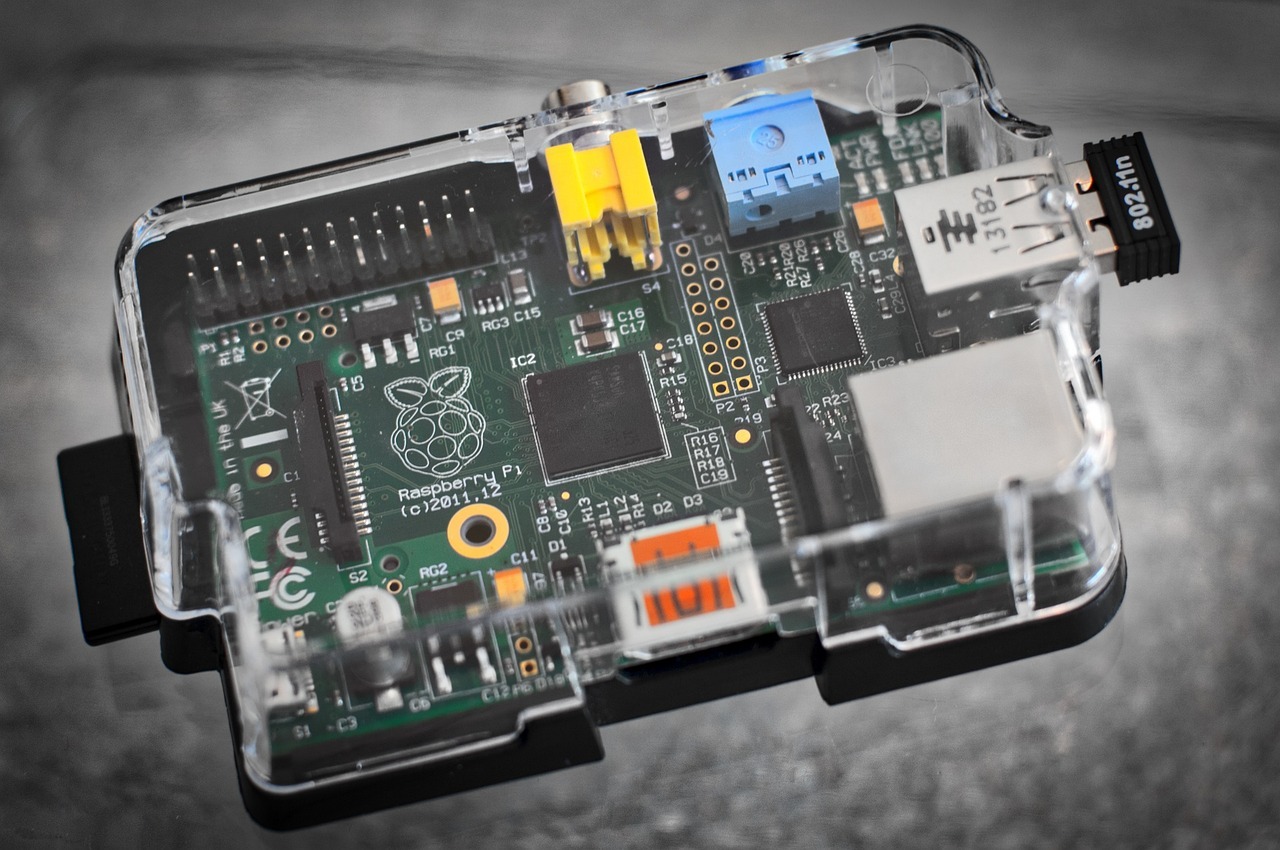
Building a SNES Raspberry Pi system requires several key components. At the core, you’ll need a Raspberry Pi board, with the Raspberry Pi 4 or 5 being the recommended models in 2026 for optimal performance. These boards provide sufficient processing power, RAM, and connectivity options for a smooth gaming experience.

You’ll also need a quality microSD card with at least 32GB capacity, though 64GB or 128GB is preferable if you plan to store many games. A reliable power supply rated for at least 3 amps is essential to prevent performance issues and potential data corruption. Official Raspberry Pi power supplies are recommended for stability.
For controls, USB SNES-style controllers are widely available and provide an authentic feel. Many modern reproductions feature improved build quality while maintaining the classic button layout. Wireless Bluetooth controllers are also supported, offering more flexibility in your setup. A case for your Raspberry Pi protects the board and can add aesthetic appeal, with many designs mimicking classic console styling.
Display connectivity typically uses HDMI, making it easy to connect to modern televisions. For those seeking the most authentic experience, adapters are available to use with CRT televisions, though this requires additional configuration. Heat management is important, so consider a case with passive or active cooling to maintain optimal performance during extended gaming sessions.
Software Options and Installation
The most popular software platform for SNES emulation on Raspberry Pi is RetroPie, a comprehensive retro gaming distribution built on top of Raspbian. RetroPie includes multiple emulators, a user-friendly interface called EmulationStation, and extensive configuration options. Installation is straightforward, typically involving downloading an image file and writing it to your microSD card using software like Raspberry Pi Imager.

Alternative options include Recalbox and Lakka, each offering different features and user experiences. Recalbox emphasizes ease of use with extensive built-in configurations, while Lakka provides a more minimal interface focused on pure emulation performance. All three platforms support SNES emulation through libretro cores, with Snes9x being the most commonly used emulator core for its balance of accuracy and performance.
After installing your chosen software, configuration involves setting up your controllers, adjusting video settings, and organizing your game library. Modern versions of these platforms include user-friendly setup wizards that guide you through the initial configuration process. Audio and video settings can be fine-tuned to match your preferences, including shader options that simulate CRT scanlines for an authentic retro appearance.
Optimizing Performance and Gameplay
Achieving the best SNES emulation experience requires attention to several performance factors. Input lag is a critical consideration for responsive gameplay, especially in action and fighting games. Reducing input lag involves disabling unnecessary video processing on your display, using wired controllers when possible, and configuring the emulator’s run-ahead feature if your Raspberry Pi has sufficient processing power.
Video settings impact both visual quality and performance. The Snes9x emulator core typically runs flawlessly on Raspberry Pi 4 and newer models at native SNES resolution. You can apply filters and shaders to enhance the visual experience, though some demanding shaders may affect performance. CRT shaders are particularly popular for recreating the look of classic televisions.
Audio configuration ensures proper sound reproduction without crackling or stuttering. Modern RetroPie versions include improved audio drivers that minimize latency. Adjusting buffer sizes in the audio settings can help eliminate audio issues if they occur. Save states are a convenient feature allowing you to save your progress anywhere in a game, though purists may prefer using in-game save systems when available.
Regular software updates keep your system running smoothly and provide access to emulator improvements. The Raspberry Pi and RetroPie communities continue active development, releasing updates that enhance compatibility and performance. Backing up your system periodically prevents data loss and makes it easy to restore your configuration if issues arise.
Building Your Game Library Responsibly
Creating a game library for your SNES Raspberry Pi system requires understanding the legal considerations surrounding ROM files. Legally, you should only play ROM files of games you physically own. Various methods exist for creating backup copies of your own cartridges, though this requires specialized hardware like cartridge dumpers.
Organizing your game library effectively enhances the user experience. RetroPie and similar platforms support scrapers that automatically download game metadata, including box art, descriptions, and release information. This transforms your game list into an attractive, browsable collection. Games can be organized into custom collections based on genre, favorite titles, or multiplayer capabilities.
The SNES library includes hundreds of classic titles spanning every genre. Iconic games like Super Mario World, The Legend of Zelda: A Link to the Past, and Super Metroid showcase the console’s capabilities. Many hidden gems and international releases that never received widespread distribution are now accessible to enthusiasts worldwide. Creating a curated collection of your favorite titles ensures you always have quality games ready to play.
Enhancing Your Setup
Beyond basic functionality, numerous enhancements can elevate your SNES Raspberry Pi system. Custom themes for EmulationStation allow you to personalize the interface appearance, with themes ranging from minimalist designs to elaborate animated displays. Many themes specifically celebrate SNES aesthetics, incorporating the console’s iconic purple and gray color scheme.
Physical integration options include building your Raspberry Pi into a replica SNES case, creating a custom arcade cabinet, or developing a portable handheld system. The maker community has produced countless creative implementations, with detailed build guides available online. 3D printing has made custom case designs more accessible than ever.
Multiplayer gaming is a strength of SNES emulation, with support for multiple controllers making it easy to enjoy classic cooperative and competitive titles. Setting up multiple controllers involves connecting them via USB or Bluetooth and configuring them through the RetroPie setup menu. Games designed for the Super Multitap accessory, which allowed four players on the original console, work seamlessly with proper configuration.
While retro gaming setups are primarily sedentary activities, it’s important to maintain a balanced lifestyle that includes regular physical movement. Taking breaks between gaming sessions to engage in physical activity supports overall health and well-being. Resources like the NHS exercise guidance provide helpful information about incorporating movement into your daily routine.
Conclusion
Building a SNES gaming system with Raspberry Pi combines nostalgia with modern technology, creating an accessible and versatile platform for experiencing classic games. The combination of affordable hardware, mature emulation software, and extensive community support makes this an ideal project for both retro gaming enthusiasts and those new to the hobby. With proper configuration and responsible game library management, your SNES Raspberry Pi system can provide countless hours of entertainment while preserving gaming history. As emulation technology continues improving and Raspberry Pi hardware becomes more powerful, the future of retro gaming remains bright, ensuring these beloved classics remain playable for generations to come.